
Studio-grade instruments.
Recorded piano, classical guitar, strings, brass — not synth beeps. You train on the same timbres you'll be playing, so what you learn transfers straight to the bandstand.
Intervals, chords, melodies, rhythm and timbre — for musicians who want data, not gimmicks.
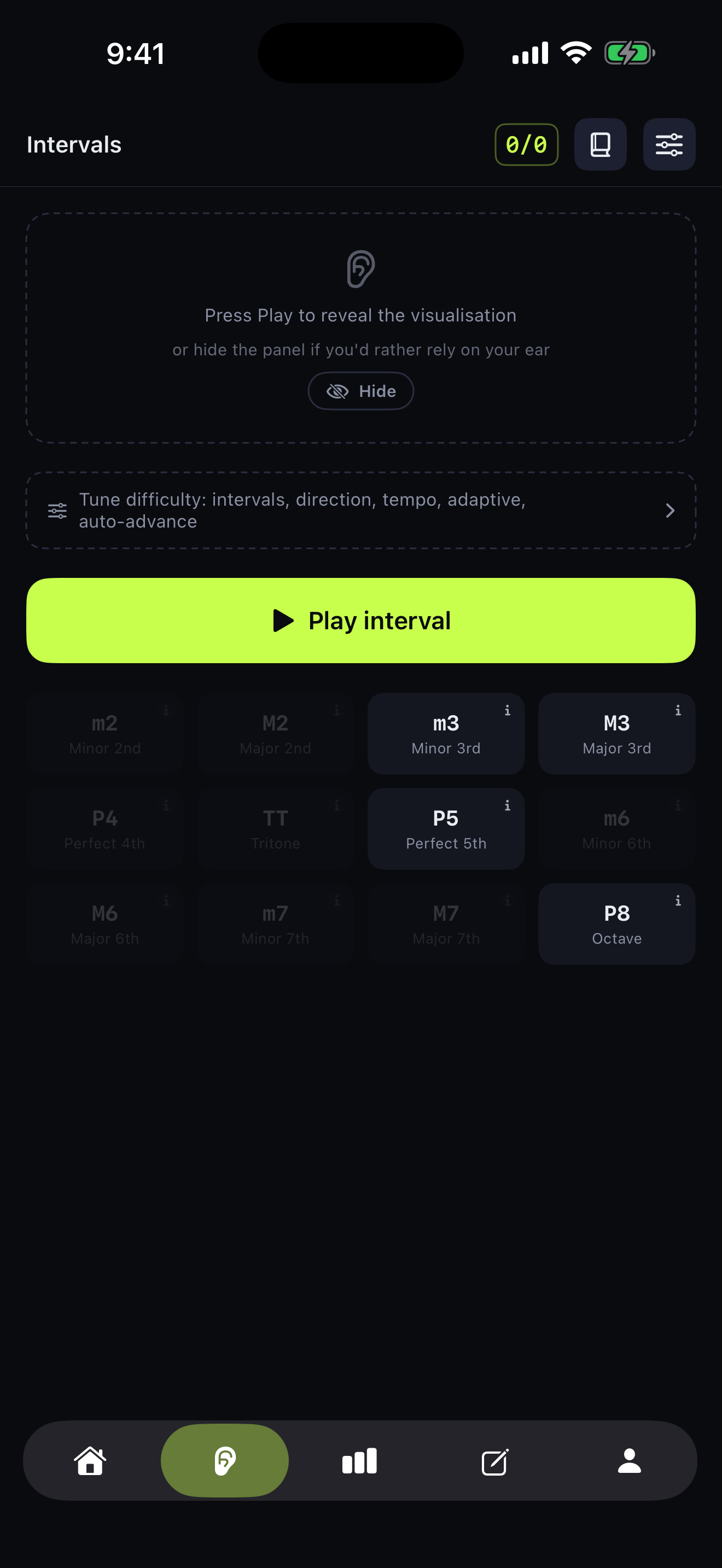
Most ear trainers stop at quiz-and-streak. Kymar is built around four ideas that, together, take you from player to musician.
Recorded piano, classical guitar, strings, brass — not synth beeps. You train on the same timbres you'll be playing, so what you learn transfers straight to the bandstand.
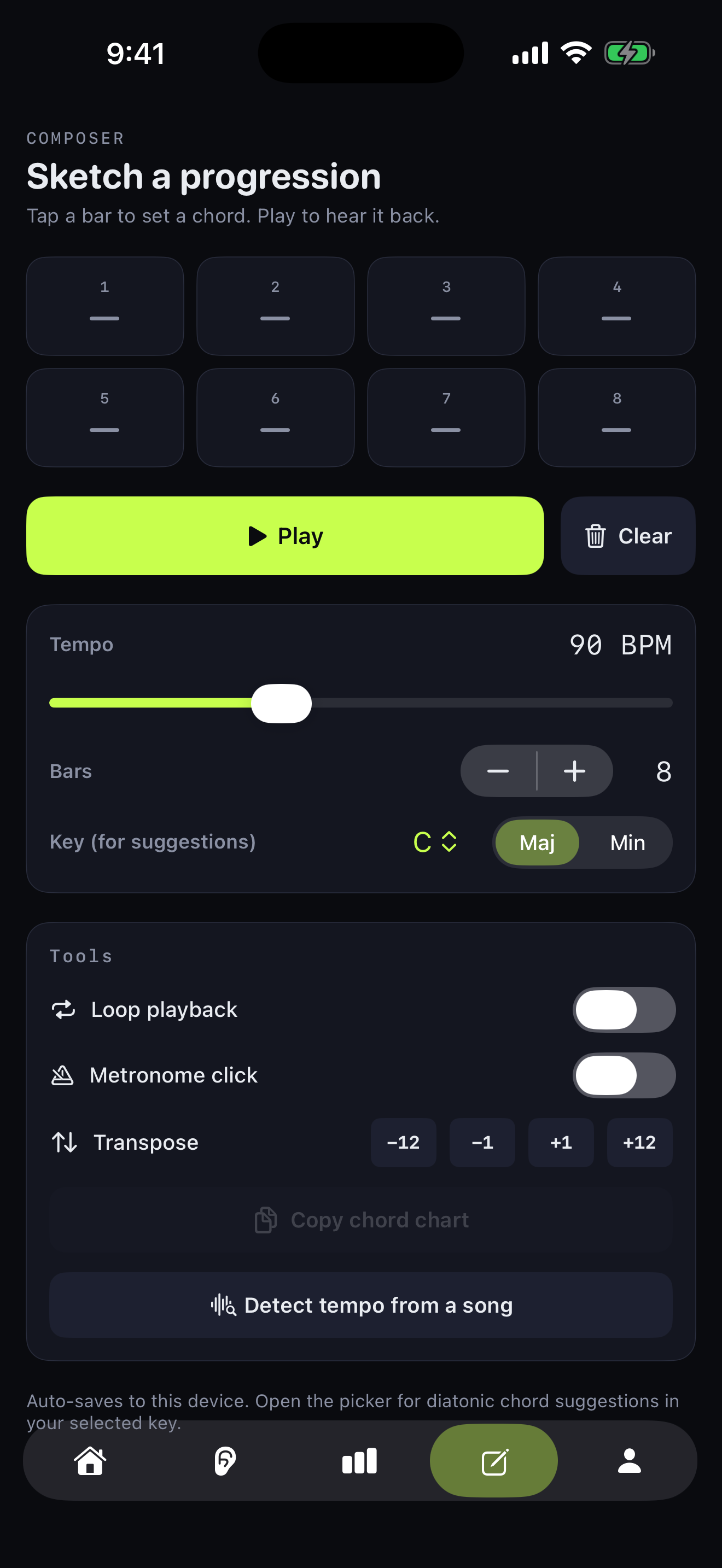
Drop chords onto an 8-bar timeline, hear them back at any tempo. The Compose pad doubles as a practice tool for your own progressions — not a closed deck of flashcards.
35 Field Guide chapters — circle of fifths, modes, chord families, microtonality. Each is interactive: tap a degree, hear a chord, drag a scale. Read less, touch more.
From minor 2nds to maqam. Every drill is graded and mapped to where you are — so the next five minutes are always the right five minutes for you. No grind, no plateaus.
Five tabs, one routine. Daily 5-minute drills mapped to the concepts behind the music.
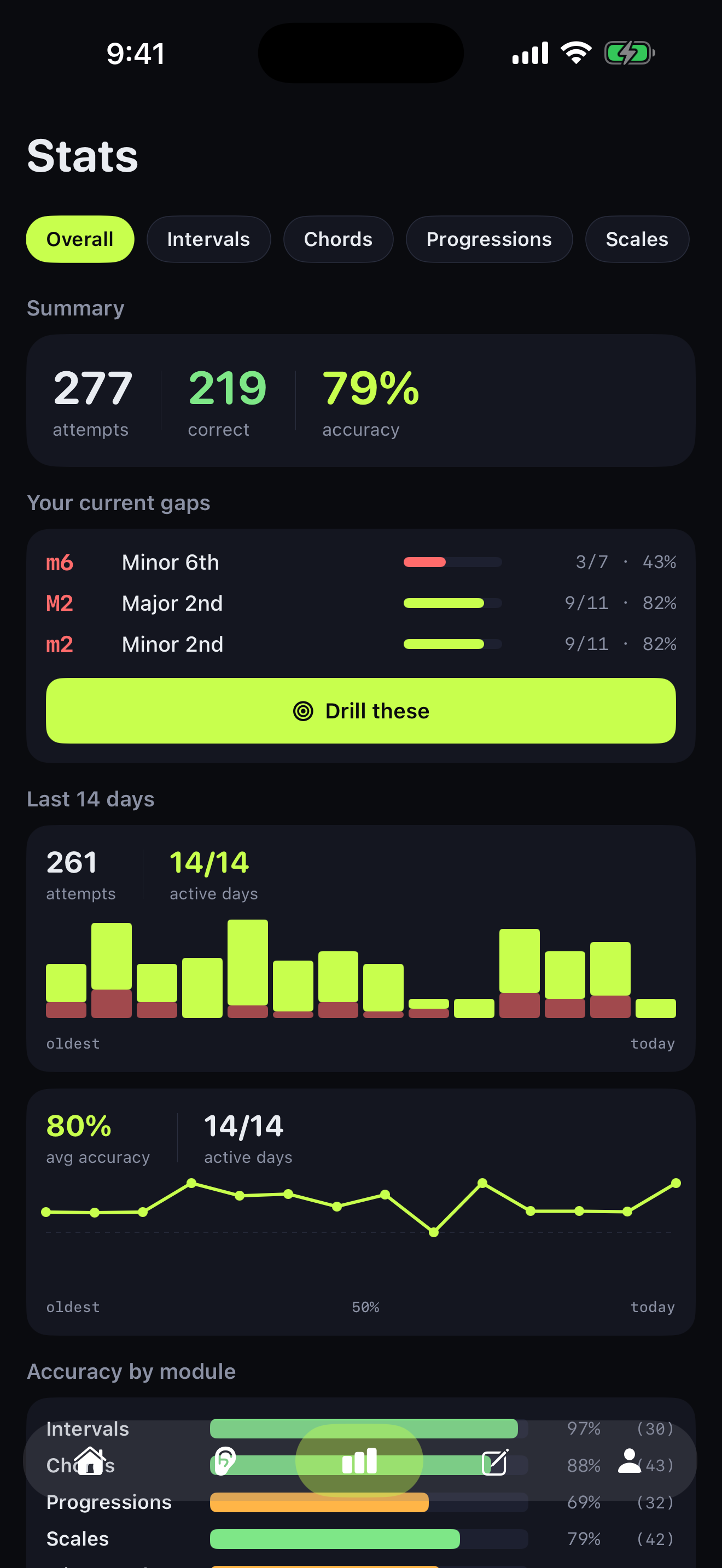
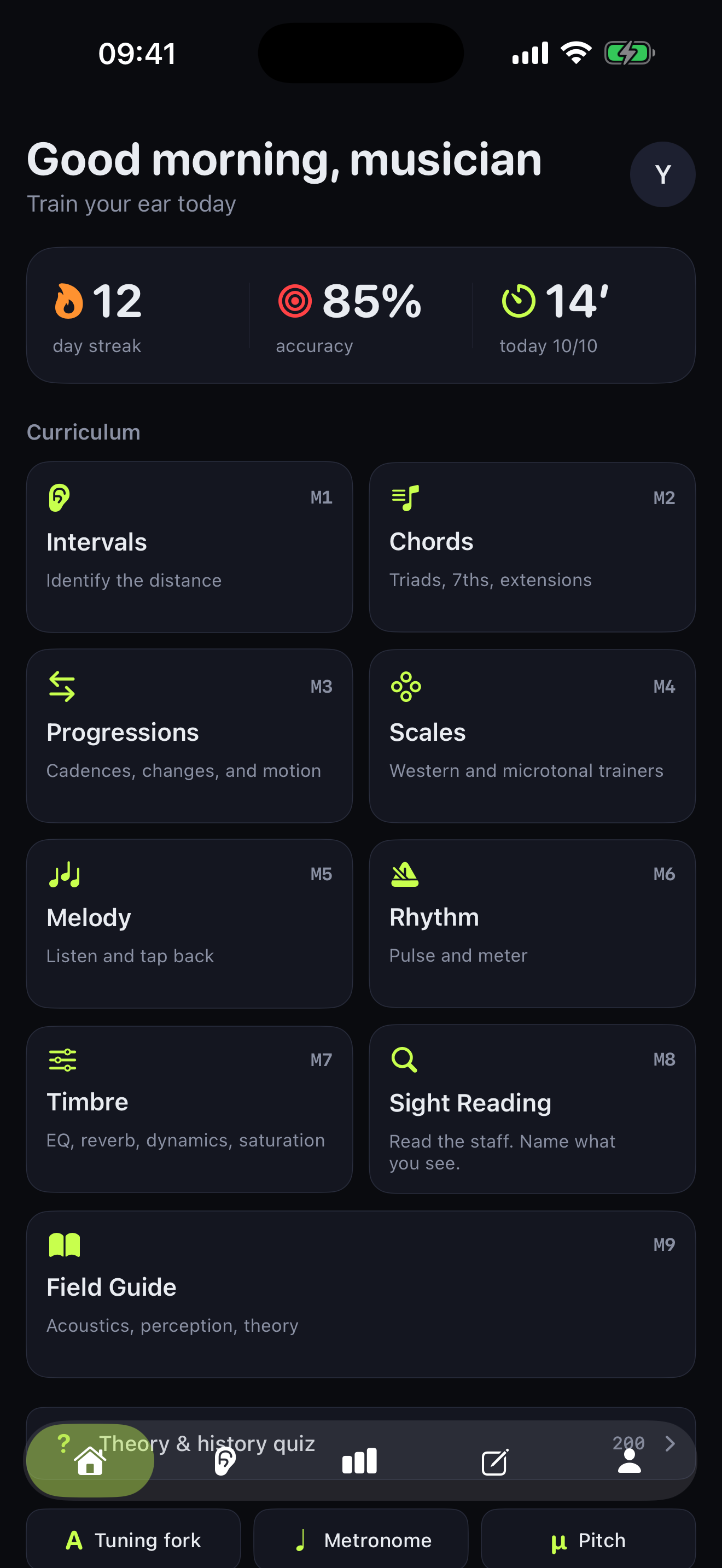
Each module is a self-contained drill with its own difficulty curve. Pick a module, run a 5-minute session, see what you mixed up.
Hear the distance between two notes — m2 through P8, ascending, descending or harmonic.
Major, minor, diminished, augmented — up to 7ths, 9ths and inversions.
Cadences, ii-V-I, modal interchange. Hear movement, not just chords.
Major, minor, modes — and microtonal traditions: maqam, raga, gamelan.
Transcribe short phrases by ear — scale-bound or freely chromatic.
Tap back patterns — simple beats to compound meters and polyrhythms.
Identify EQ moves, compression, saturation — the producer's ear, on tap.
Read notes on the staff against the clock — treble, bass and grand staff.
$0
$3.99/mo
or $19.99/yr (save 58%) · $24.99 lifetime
1 week free, cancel anytime
Yes — Kymar is iOS-only for now (iOS 17 or later, iPhone and iPad). An Android version is on the roadmap; the project is one indie dev, so iOS comes first.
Yes, forever. All 8 trainer modules, the guided Warmup, the daily streak, and the 35-chapter Field Guide are free. Pro adds 8 more instruments (9 in total), MIDI keyboard input, iCloud sync, detailed per-session stats, spaced-repetition review, the microtonal trainer (maqam, Hindustani, Carnatic, gamelan) — and removes ads.
Yes. Stats stay on your device by default — there is no Kymar server collecting them. The iCloud sync option (Pro) uses your own iCloud account, end-to-end through Apple's infrastructure. Read the full privacy policy for the technical detail.
Yes. Monthly and Yearly Pro plans auto-renew until cancelled — manage them in Settings → Apple ID → Subscriptions. Pro Lifetime is a single one-time purchase with no renewal. The 1-week free trial doesn't charge anything if you cancel before it ends.
No. Most trainers (Intervals, Chords, Melody, Rhythm, Timbre) work purely by ear and tap — no notation required. The Field Guide and the optional staff visualisations are there if you want to bridge ear to page.
Yes, on Pro. USB, Bluetooth or network MIDI controllers feed straight into the trainers, so you can answer chord and interval drills on a real keyboard instead of tapping the screen.